

Wedding venues
Bookings are made a year ahead off photographs and available dates, so the gallery has to be beautiful and still load on a phone.
Wedding venues hosting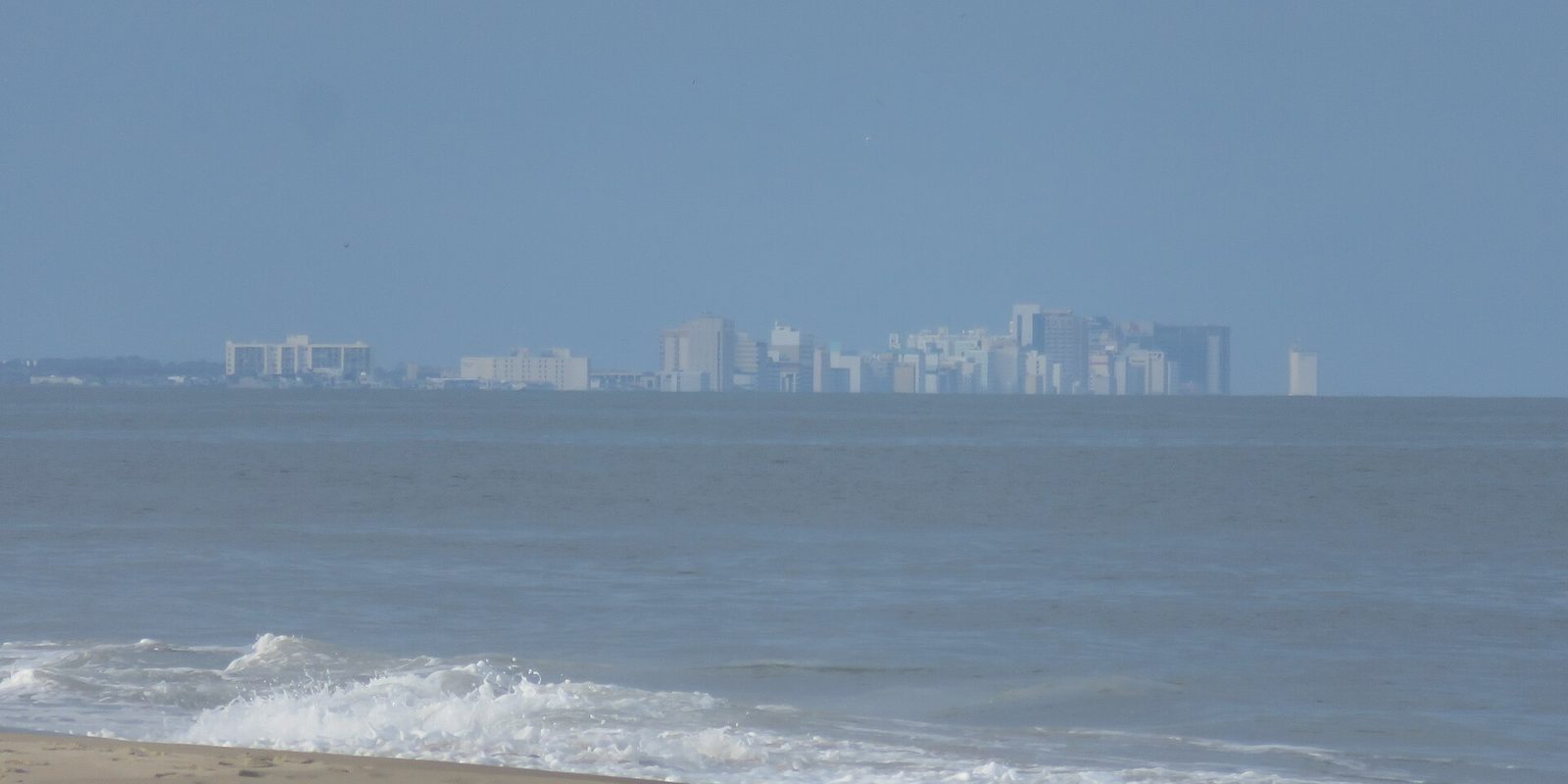
Virginia Beach runs on a short clock. A military and tourism economy packs most of the year's enquiries into a handful of warm months, so web hosting in Virginia Beach, VA, is judged on three of them. A site that is merely adequate in February becomes a real problem in July.
We are not in Virginia Beach. AldoMedia works out of one office in Buffalo, New York, with no Virginia address, staff or phone number. Setup, migration and support all happen remotely, which is simply how hosting works.
Plenty of cities have a busy season. Fewer have one this lopsided. Warm-weather visitors arrive in volume, the hospitality trade staffs up for it, and a large share of the year's bookings, enquiries and deposits land inside a window that closes again by early autumn.
That changes what a website is for. It is not a brochure that gets browsed at leisure. For three months it is a booking counter being approached by people who are standing outdoors, on a phone, on a crowded mobile network, deciding between you and the next result in about eight seconds.
There is a second consequence people miss. Because the money arrives in a burst, the maintenance never does. Sites here get set up in spring, ignored until October, then left alone all winter because nothing is happening. Two or three years of that and the software underneath is badly out of date.
The right time to look at all of this is the quiet stretch, when a mistake costs you nothing. Nobody wants to migrate a site in the middle of their best week.
Send us the address and we will tell you what your site weighs, how fast it loads on a phone, and whether it would hold up in your busiest week. If it is already fine, we will say so.
An unattended website is not dormant. It is online every day, being probed by automated scanners that do not care whether you are open. The quiet months are when out-of-date plugins sit unpatched the longest, so they are when the odds turn.
The damage usually shows up at the worst possible moment. A site is compromised in January, nobody notices because nobody is looking, and the problem surfaces in June as a browser warning in front of every visitor you have all year.
If you inherited a site and have no idea what state it is in, that is a normal starting point. Taking over a website covers what to collect first, and malware removal covers what happens if it is already infected.

The coast gets weather. Late summer and early autumn bring the risk of heavy storms, and your website is one of the few parts of the business that keeps running when the power does not. If you close for a day, or reopen, or need to tell customers their booking still stands, the fastest place to say so is the site and your Google listing. Both should be editable from a phone by somebody who is not at a desk.
The related risk is email. If your mail runs on a machine in your own office, an outage takes your enquiries with it. Business email hosted separately from the building keeps working regardless. That is most of the argument for Microsoft 365 or comparable hosted mail over anything sitting in a back room.
Write down where your domain is registered and who can log in, and keep it somewhere that is not only on the office computer. Domains go missing at renewal far more often than servers fail.
This is the useful part, and it has nothing to do with the ocean.
The single biggest speed win costs nothing at all. Resize your photographs before they go up. A hospitality site lives on images, and images are what make it slow on the exact phone network your customers are standing on.
Spending more is genuinely worth it when the site takes bookings or payments directly, when it carries a large gallery, or when a day of downtime falls inside your three good months. Visitor numbers alone almost never justify it. Current pricing is on the hosting page, and what a website costs to run sets out the whole picture.
Copy, test, switch the domain, keep the mail records intact. You carry on working while it happens, and if something looks wrong afterwards there is somebody to call.
Fair question, so here is the straight answer. Hosting is not a local service. Your website does not live in Virginia Beach today and it will not afterwards. It lives in a data centre somewhere, and which state that is in makes no measurable difference to somebody loading your page on the sand.
So the thing you are actually choosing is who answers when something is wrong. That varies enormously between companies and not at all with distance. We are in Buffalo, we work Eastern time, which is your time zone, and we have built websites since 1999. We are an independent authorised reseller, not the operator of the underlying platform, and we will tell you when the plan you already have is the right one.
If what you want is somebody who will drive to your premises, we are the wrong choice and we would rather say so now. For setting up hosting, moving an existing site and keeping the email running through the change, being in another state changes nothing at all.
The part of your presence that really is local is your Google Business Profile, and it is free. Get that right before you spend money anywhere else.
Most people who call us are not launching something new. They are leaving something: a host that got slow, a developer who stopped replying, a plan that quietly doubled at renewal.
The order of operations matters more than the tools. Copy the site first, test it on the new server, and only then point the domain across. Done that way nothing goes dark, because the old server keeps answering until every visitor's connection catches up.
What goes wrong is nearly always email. Someone rebuilds the DNS records from scratch and omits the mail entries, and a day of enquiries disappears before anyone notices. In a three-month season, a lost day is not a small thing. Write the existing records down before touching anything. The full sequence is on the website migration page, and mailboxes specifically on email migration.
Do the move in the off-season if you possibly can. There is no technical reason a migration has to be risky, but there is every reason not to schedule one for the week you are fully booked.
The businesses whose websites do the most work in a tourism and hospitality economy, each with a page of its own.
Bookings are made a year ahead off photographs and available dates, so the gallery has to be beautiful and still load on a phone.
Wedding venues hostingSeasonal hours and menus change constantly, and a visitor deciding where to eat tonight will not wait for a slow page.
Restaurants hostingShort-term rental enquiries arrive in a rush and every listing page is heavy with images, which is where these sites usually struggle.
Property management companies hostingEvery trade we cover is on hosting by industry, and every city on our locations page.
Skyline photograph: Antony-22, CC BY-SA 4.0, via Wikimedia Commons. Cropped.
They should, because the mailboxes are not what moves. We copy the existing mail records exactly as they stand, move the website, and leave the mail pointing where it already points. The failure people describe happens when the records are typed out fresh from memory and one is missed. Write yours down before anyone touches the domain. See DNS management for what each record does.
A plan sized for the peak weeks and then carried through the whole winter, and extra storage bought because a gallery of full-size camera photographs filled it. Both are usually fixed by resizing images rather than by spending more. Second on the list is a duplicate security add-on covering something the plan already includes. Ask what is in your plan before you add anything to it.
Only if you actually edit in it. If the last real change was a seasonal price update and nobody has logged in since, the subscription is buying you an editor you do not open. Rebuilt as ordinary pages on shared hosting, the same site is cheaper to run and easier to move later. If your staff genuinely update dates and photographs each spring, keep it.
Almost always an SSL certificate that lapsed or was never installed, and the warning is the same in every browser everywhere, not something local. It fills the screen before your page loads and most people leave rather than click through. The fix is quick and the certificate is included with hosting. Set it to renew automatically so it cannot expire quietly in the winter.
Tell us what your site runs on and what it has to survive in July. We will tell you what to fix, what to leave alone, and whether the plan you are paying for is already the right one.
See hosting plans Get help choosing
Or call 716-771-2536. We are in Buffalo, New York, so we answer Eastern time.
