
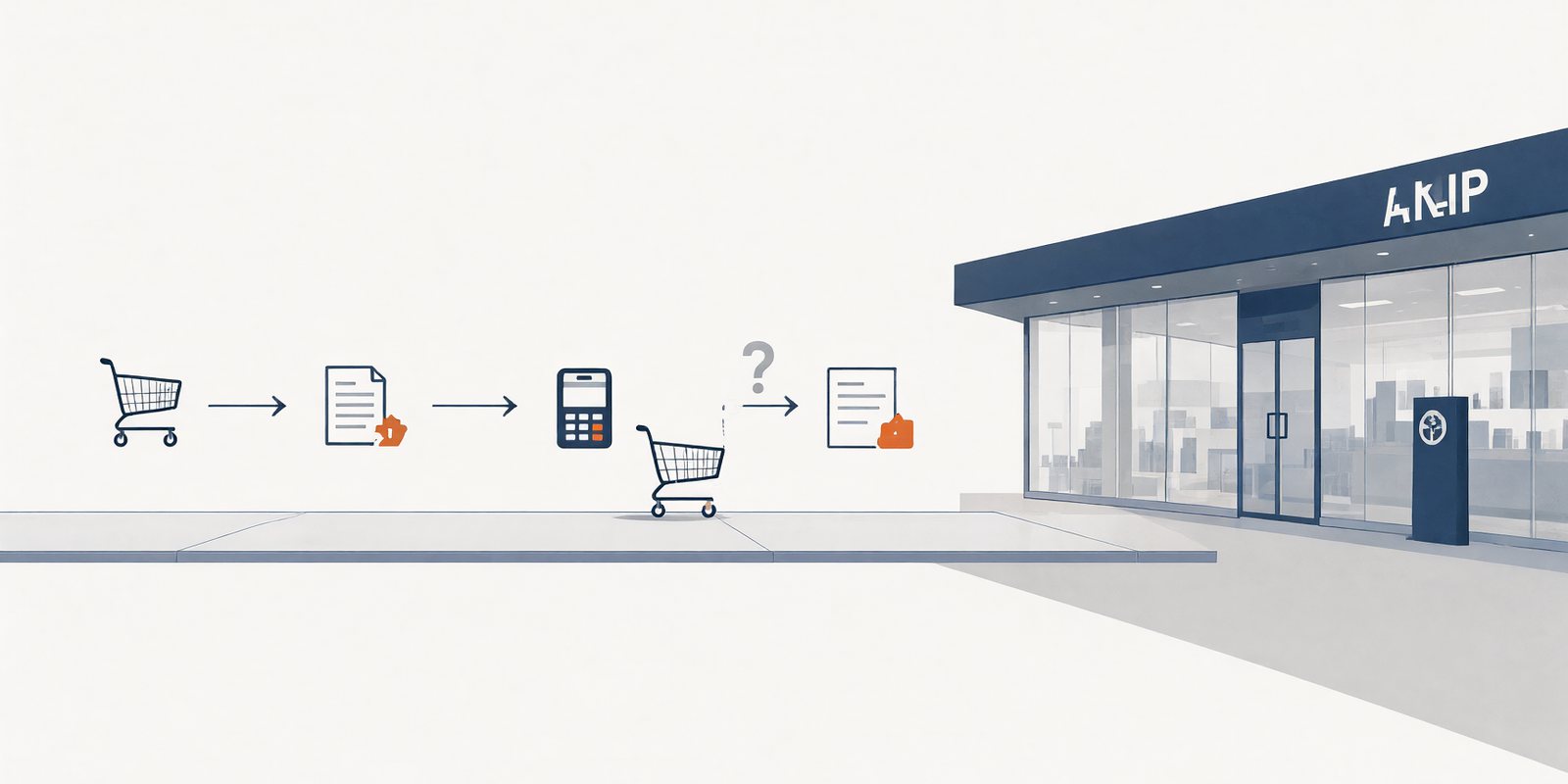
Your WooCommerce Store Looks Fast. Can It Finish an Order During a Sale?
The storefront opens in under a second, and the speed test agrees. That is the cached version, the same for every visitor, a brochure. The moment a buyer adds an item, the page stops being a brochure and starts being a person, and it is that page, on the day of the sale, that has never once been tested.
The page your visitors see, the page your buyer gets
A cached home page and a cached product page can be genuinely, verifiably fast, and both can be true while the store is incapable of taking an order at peak. Caching serves a copy; it does not serve a customer. Cart changes are personal to the buyer, checkout is a transaction, the payment step talks to a gateway the store does not control, and order creation writes to a database that every other buyer is writing to at the same time. None of that is a brochure, and none of it appears in a speed score.
So the four points worth observing are the four points that are not cached: the cart change, the checkout page, the payment confirmation, and the order being created. A store that is fast everywhere else and slow at those four is not a slow store. It is a store with a slow register, which is the only part a sale actually touches. The WooCommerce caching guidance exists precisely because those pages have to be treated differently from the rest of the site.
Load is one possible cause of trouble at those four points. It is the cause people reach for, because a sale is a load event, and it is not the only one. The honest diagnostic starts with the four points and works outward from what they actually do.
What checkout touches
Between a buyer hitting "place order" and the order existing, five systems are in the loop: the cache layer deciding what to serve, the workers and database doing the writing, the payment gateway sitting somewhere else entirely, the plugins each doing their own thing at hook time, and the background jobs that pick the order up afterward. Each one fails differently, and the failure you can see points at which one.
| What buyers see | What it points at |
|---|---|
| A timeout or spin at the card step | The gateway, or the plugin that calls it, or the worker pool running out |
| Duplicate orders after a retry | The request timed out in transit and was resent; the store processed both |
| Orders created, notifications delayed by an hour | Background jobs and webhooks backed up; the sale happened, the aftermath did not |
| Cart works, checkout loads blank | Often cache: the personalized page cached when it should never have been |
Notice the first two rows. A timeout and a duplicate order are opposite failures from the same underlying slowness, and a store that "fixed" the slowness by making the gateway time out faster has merely moved the problem from anger to double-charging. The evidence decides which of the five systems is the culprit; the symptom alone does not.
A test that costs nothing
The test is a private staging exercise, run before the sale rather than during it. Synthetic shoppers: a small number of scripted buyers, each running the real path, cart to confirmed order. The payment gateway in test mode, so no card is ever charged. Production notifications disabled, so the owner's phone does not ring for a dress nobody ordered. An explicit traffic limit, so the test cannot accidentally become a load incident of its own. And a recorded baseline: the same path, the same conditions, on a quiet day, before anything changes, because a number without a baseline is a mood.
What gets recorded for each test run: the conditions, the response times at the four points, any errors, and the confirmed orders, which is the only number in the exercise that the business actually cares about. Two honest caveats sit with the results. Staging is not production: smaller database, no real gateway latency at peak, no real queue of buyers, and a test that passes in staging is evidence the path can complete, not a forecast of the sale. And there is no universal traffic threshold that makes a store "ready"; the question is what your observed path does at your observed numbers, which is why the test records conditions instead of chasing a magic number.
A speed test measures the brochure. An order test measures the business.
Three doors, and which one your evidence opens
The test exists to end an argument. Before a sale, the question in most stores is "do we need a bigger plan," and nobody has data. The evidence sorts the answer into three doors, and only one of them is a purchase.
- The evidence points at code or integrations — timeouts tracking a specific plugin, duplicate orders, a gateway that is simply slow. The work is in the build: remove the slow hook, fix the retry logic, talk to the gateway. No plan change fixes a plugin.
- The evidence points at the cache — personalized pages served stale, carts colliding. The fix is configuration: which pages are excluded, how sessions are handled. Also not a plan change, and free.
- The evidence points at capacity — everything configured correctly, and the four points degrading together as the test climbs. Only then does "review capacity with the hosting team" become the right sentence, and the WooCommerce hosting page is where to start that conversation with numbers instead of anecdotes.
Most stores, it turns out, open door one or door two. The sale that would have broken them breaks a test on a quiet Thursday instead, where it costs an afternoon and a spreadsheet rather than a Black Friday.
A store is not its home page. It is the register, and the register is the only part of the site that is personal, transactional, and shared at once. Test the path a buyer actually walks, on a day when you have time, with a gateway that cannot charge anyone, and let the evidence choose between fixing code, fixing cache, or asking for capacity. The speed score can keep being a trophy. The order test is the plan.
Checkout questions
Why is the homepage fast while checkout is slow?
Because they are different pages. The home page is a cached copy, identical for everyone. Checkout is built for one buyer, writes to the database, and calls a payment gateway. It was never the same workload, even though the speed test, which visits the home page, only ever measured the easier one.
Should checkout be cached?
No, and it is the classic cache misconfiguration when it is. Checkout and cart are personal, so they need to be excluded from page caching, which is what the platform's own caching guidance says. A cached checkout is a store showing one customer another customer's address.
How do I test orders without charging anyone?
Staging, with the payment gateway in its test mode, on a copy of the store. The order completes end to end, the gateway sees a test transaction, and no card is involved. That is the whole design of the exercise: real path, fake money, quiet day.
When might a larger plan help?
When the evidence says capacity: the code is right, the cache is configured right, and the four points still degrade together as the test climbs. That is the only version of "bigger plan" that is a fix. If the timeouts track a plugin, a bigger server buys you a bigger plugin timeout.
More from the blog
- What a Traffic Spike Actually Does, the mechanics of load on a small site
- What Unlimited Hosting Really Means, for reading the plan you are tempted to buy
- When a Slow Website Is Not Your Host's Fault, door one, in more depth
All posts are on the blog. For the step by step versions, see the domain and hosting guides.
A sale on the calendar?
Tell us what the store is built with and what the last campaign did to it, and we will tell you which of the four points to test first, what the staging run should look like, and whether your plan is the thing to change at all.