
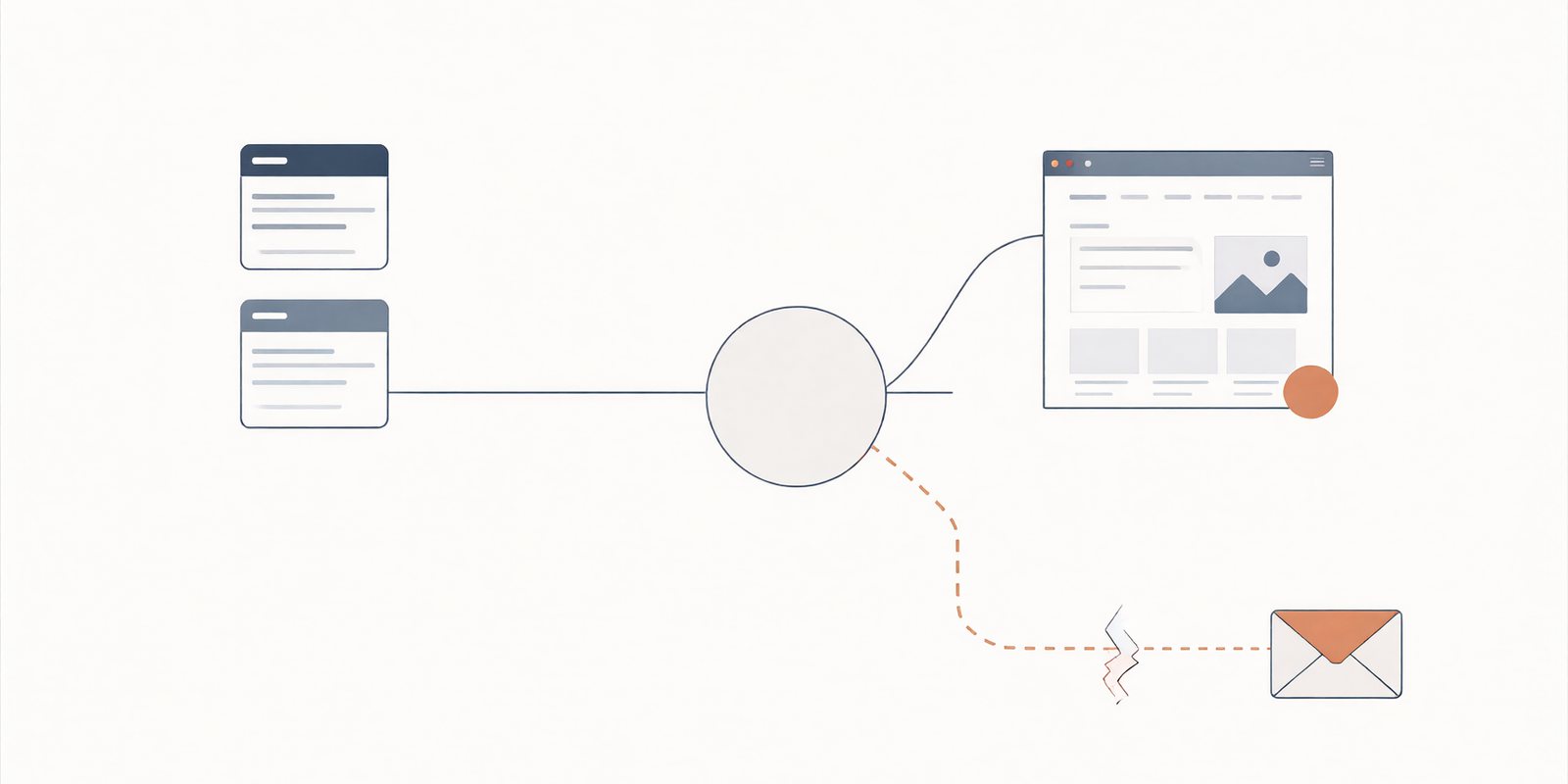
Your New Website Is Live. Why Did Your Business Email Stop?
The new home page loads, the customers are finding it, and a couple have even emailed to say so. The emails are bouncing. The bounce message is short and unhelpful and it is the beginning of a week in which the website has not been touched once.
One address, three different things
Your domain name is the only thing your business shares between its website, its mail, and its phone number, which is exactly why a change to one feels like a change to all of them. They are three separate systems. The website is served by a host. The mailboxes live with a mail provider. And the domain's DNS records, the MX record that tells the internet where your mail goes, are delegated to whichever nameservers you point at.
Here is the asymmetry that causes the break. Changing a single A record is a narrow edit to one address. Changing nameservers is a delegation of the entire zone: every record, every service, every subdomain, all of it, now answered by a different provider. If the new zone is missing the MX record, or the SPF and DKIM records the mail provider needs, the website loads perfectly and the mail dies. The two symptoms have nothing to do with each other except for the address they share.
A website works when email is broken and email works when a website is broken, because they are separate systems wearing one name. That split is the whole diagnosis in one paragraph. The DNS management page covers the records in detail; this is about what a cutover does to them.
The evidence, not the wait
Every mail failure after a nameserver change is one of a small number of shapes. The bounce text and the pattern tell you which one, and each points at a different record rather than at time.
| Symptom | What it points at |
|---|---|
| Bounces: no MX record, or domain not found | The new zone is missing the MX record, or the nameservers are not where you think they are |
| Some senders reach you, others bounce, for days | Caches holding the old answer while the cutover settles, or a partial zone |
| Mail you send lands in spam or is rejected | SPF, DKIM or DMARC records left behind, or still pointing at the old provider |
| Intermittent failures that no one can reproduce consistently | Possibly a DNSSEC signature mismatch, a stale DS record in the parent zone |
The rows are not a checklist you can complete by waiting, which brings us to the phrase that does the most damage in these situations.
"Wait for propagation" is a ceiling, not a fix. Propagation describes how long resolvers keep answering from cache after a change. It governs how fast the old answer dies. It has no power to make a record appear that the new zone does not contain. A missing MX record will not propagate into existence; it will simply keep being missing, on every machine, forever, until someone adds it. If the destination zone is incomplete, no amount of waiting changes the outcome. Check the zone first; wait only after it is complete.
A safe diagnosis, in order
Five steps, and the order matters, because each one changes what the next one means.
First, locate the authoritative zone. Ask the actual nameservers who answers for your domain, and look. In a botched cutover it is not uncommon to find the domain answering from the old provider, or from one old nameserver and one new one at the same time, which is the DNS equivalent of a message arriving in two inboxes.
Second, export the prior zone if you ever did, and diff it. Every record that is in the old export and not the new one is a candidate cause, and the diff does the remembering for you. Third, separate the direction: an inbound bounce says mail cannot find you, an outbound rejection says you cannot prove yourself. Those are different records and different fixes, and mixing them up is how people "fix" the wrong one. Fourth, test external delivery in both directions with real messages to a test address you control, not by looking at dashboards. Fifth, and only if the pattern fits: DNSSEC. If the zone was signed, the parent zone holds a DS record, and a stale one can make valid answers look forged. Following the provider's documented process for signing and DS publication, as described in their docs, is the safe path. The Cloudflare zone setup documentation is a reasonable example of what a provider's documented process looks like. Yours will differ, and the procedure belongs to your provider, not to a blog post.
None of this uses your real zone values in any example, on purpose. A domain's records are infrastructure, and a screenshot of them is not decoration.
Go or no-go
Next time the cutover is planned, it passes or it does not. Five lines, all of them knowable in advance.
- The prior zone is exported and saved somewhere that is not the account being left behind.
- The mail provider is named, and the records it requires are listed from its own documentation, not from memory.
- Every required record is verified present in the new zone before the switch: MX, SPF, DKIM, DMARC, and whatever else the provider documents.
- A rollback owner is named, with the authority to point the nameservers back, and the time to do it, so the decision is made by someone who rehearsed it.
- The cutover window is agreed with the people who send mail, not just the people who built the site.
A cutover is safe when the rollback is boring. If rolling back feels like a disaster, the cutover was not ready.
The website and the mail shared an address, so the break felt like a mystery. It was not. It was a delegation: the entire zone changed hands in one move, and one record did not come along. The site kept working because it was the narrower of the two systems. The mail did not, because the mail is the one that lives entirely in the zone. Move the zone carefully, verify the records before the switch, and both keep working, which is the only outcome the customers have ever wanted.
Mail after a move
Can a website work when email is broken?
Yes, and the other way around. The web site is reached through A records and the mail through MX records, separate records that happen to share a name. A zone can be perfectly fine for one and missing the other, which is why the two systems can disagree on the same morning.
Will lowering the TTL fix a missing MX?
No. TTL controls how long resolvers keep the old answer after a change. It cannot add a record the zone does not contain. Lower TTLs before a cutover are good practice because they make the switch faster. They are not a substitute for the record existing on both sides.
Does changing A records move mail?
Not by itself. Mail delivery follows the MX record, and the web follows the A record. Editing where the site points does not change where mail goes, and vice versa. That is precisely why a narrow web change is low risk and a nameserver change is not.
Can a stale DNSSEC record affect more than mail?
It can affect everything the zone answers, including the website, and the symptom is inconsistent: some resolvers accept the answers, others reject them as mis-signed. If a zone is signed, the parent's DS record is part of the cutover, and it follows the provider's documented process rather than a guess.
More from the blog
- Why Your Business Email Goes to Spam, the other side of the same records
- What Happens When Someone Types Your Address, the zone on a good day
- The First Hour When Your Site Goes Down, the triage order when the site is the thing that is broken
All posts are on the blog. For the step by step versions, see the domain and hosting guides.
A cutover on the calendar?
Send us the domain and the move you are planning. We will check the zone against what your mail provider actually requires, name the records that must travel, and tell you where the rollback sits. If the plan already covers all of it, we will say so.