

Shared Hosting
The plan type most single-school and tutoring sites belong on, and what the tiers actually change.
Read about shared hosting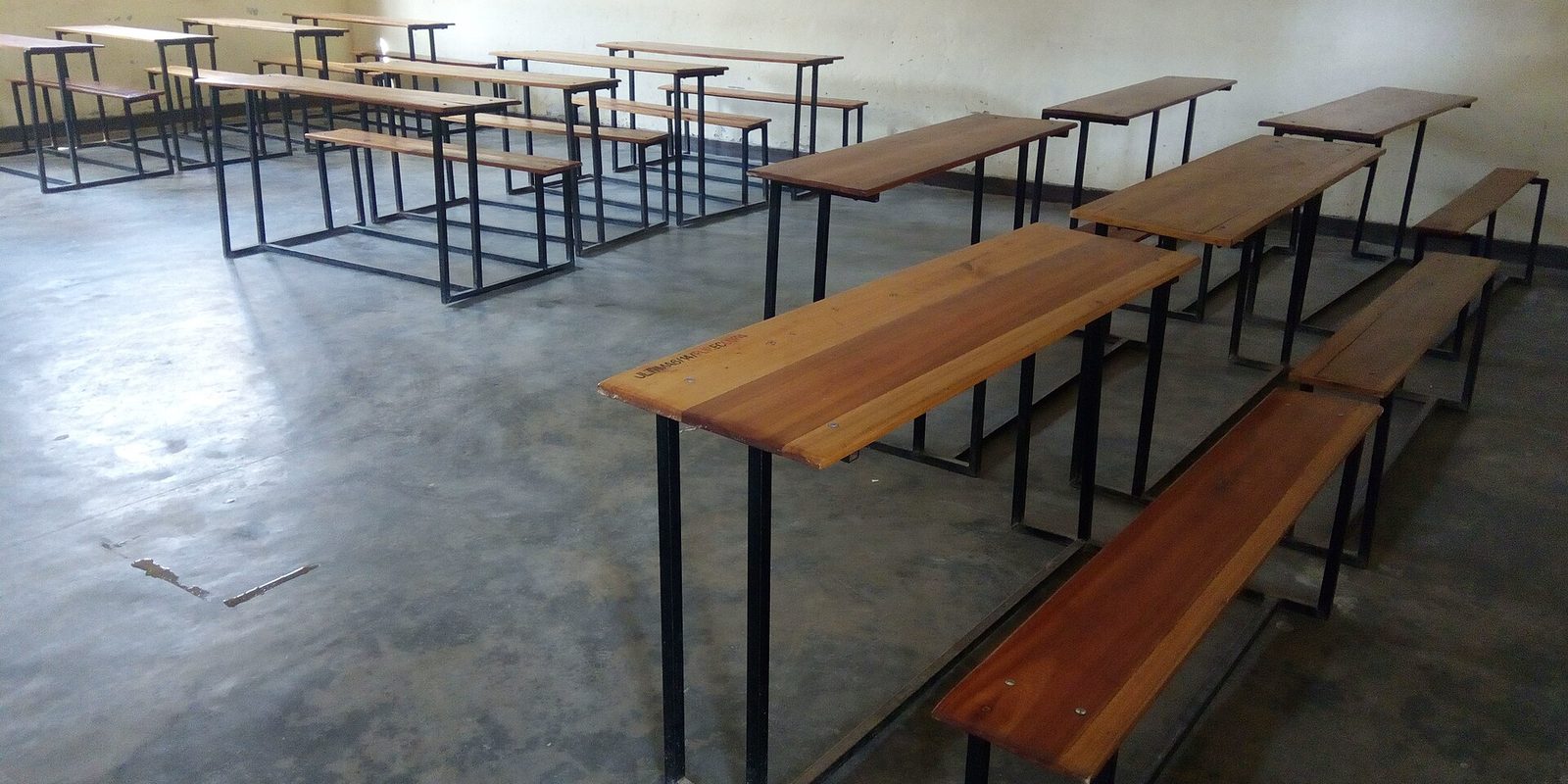
A school website spends most of the year being quiet. Then at five in the morning after a storm, every parent in the district opens it inside ten minutes. That morning is the only real test web hosting for schools ever takes, and it is the morning people remember.
Disclosure: AldoMedia is an independent authorized reseller. If you buy through a link on this page we may earn a commission, at no extra cost to you. The hosting platform, the domain registry and the certificate authority are run by upstream providers whose full-time job that is. What AldoMedia does is set the products up properly, support them, and stay accountable for your account.
Nothing else a school website does comes close to this for load. A closing goes out before dawn, and within a few minutes you have thousands of people hitting the same page at once, most of them on a phone, most of them refreshing because they are not sure the page updated. It is a spike shaped like a wall, not a hill.
When a school site fails, this is almost always when. And the reason is rarely the hosting plan by itself. It is that the homepage is doing far too much work for every one of those visitors.
On a normal Tuesday none of that shows. Under a closing announcement all of it compounds at once. The honest fix is to make the page lighter before you make the plan bigger, because a heavier plan running the same heavy page just fails a bit later.
Not on a separate page, not only on social media. The banner should be the first thing on the page, in plain text, with the date in it. Parents are scanning, not reading.
A closing banner is the same for everybody. There is no reason for the server to rebuild that page five thousand times. Caching turns the hardest morning of the year into an ordinary one.
Resize the photographs, drop the slideshow to one image, and remove any embed nobody can name a purpose for. Do it in October when there is time.
Text alerts, the phone system and your social accounts all matter. The website should agree with them, and it should never be the only place the message exists.
If your site does go down that morning, the traffic does not stop. It moves to your phone lines and your front office. That is the real cost, and it lands on staff who are already dealing with a storm.
Send us your school site and we will tell you what the homepage is actually loading on a snow day morning, and whether it can be cached. If it is already light enough, we will say so.
This is the part that separates a school site from a small business site. A school is open to the public, it serves families with a wide range of disabilities, and complaints about inaccessible school websites are not unusual. They are also not resolved with an apology and a promise to look at it over the summer.
We are not your lawyers and this page is not legal advice. Check your specific obligations with your own counsel or your district's compliance officer, because they vary by the kind of school you are and how you are funded. What we can tell you is what the complaints are almost always actually about, because it is the same short list every time.
None of that is a hosting problem, and it would be dishonest to sell you a plan as the answer. Hosting gives you the ability to fix it: a site you can actually edit, a place to publish a handbook as a real web page instead of a scan, and somewhere to host captioned video. The work itself is content work, and it is ongoing, because every newsletter somebody uploads as a PDF adds to the pile.
The single highest-value change most schools can make is to stop publishing routine information as a PDF. Lunch menus, closings, bus routes and calendars belong on a web page. Save the PDF for documents that genuinely need to be printed and signed.
Look at what people come for and the picture is narrow. Is there school today. When does the concert start. What time does the early dismissal happen. Who do I call about the bus. Where is the registration form. Almost everything else on a school website is there for the school, not for the visitor.
That should shape where the effort goes. A calendar that is correct and easy to read matters more than the mission statement. A phone directory that is current matters more than the photo gallery. And the calendar is the piece most likely to be quietly wrong, because it is maintained by whoever has time in August and then not touched again.
The common failure is a district calendar, a building calendar, an athletics calendar and a PTO calendar that disagree with each other. Parents learn which one to trust and ignore the rest, or worse, they trust the wrong one and arrive on a day with no school. Pick the one that is authoritative, say on the page that it is, and let the others link to it.
This is also an argument for a site the office can edit. If changing a half day means emailing a request to a vendor and waiting two days, the calendar will be wrong for two days, every time. Being able to make a small change in a minute is the feature that actually gets used.
Every school has a small number of students whose image and name must not be published. Custody arrangements, safety concerns, families who simply said no on the form. Getting that wrong is a phone call from a parent that nobody wants to take, and in some cases it is more serious than that.
The rules around student records and directory information are real and specific, and they differ depending on what kind of school you are. Confirm your own obligations with your counsel or district administrator rather than with a hosting company. The practical side is where hosting touches it, and there are three things worth being deliberate about.
On the technical side, keep the basics tight. Every page should be served over HTTPS, which is what the padlock means and what any form on the site depends on. Our SSL certificates page covers what that involves. Logins for staff should be individual rather than one shared password taped inside a desk drawer, and the site should be backed up so a bad edit or a compromised account is a restore rather than a rebuild.
We can move a school or tutoring site onto hosting the office can edit, so a half day or a removed photograph is a one minute change instead of a request that waits on a vendor.
Everything above is written for a school that is open to the public. If you run a private tutoring business, a music studio, a test-prep practice or a small enrichment program, most of it does not apply to you in the same way, and you should not be sold as though it does.
Your obligations are lighter. You are not publishing board minutes, you do not have a snow day that closes a district, and you are usually not holding student records in the way a school does. Being clear about that saves you money.
Where spending more is genuinely justified: you are a district running several buildings on one site, you take registrations or payments through the site rather than linking out, you host video, or you have staff logins and a real editing workflow with several people in it. Those change what the hosting has to do. Enrollment numbers on their own do not.
If somebody is quoting you a large plan for a two-teacher tutoring studio, ask them to name the thing on the smaller plan that would break. A specific answer is worth listening to. A vague one about growth and reliability is not.
AldoMedia has been building and looking after websites in Buffalo since 1999, and school sites are familiar work: a homepage nobody can edit, a calendar that stopped being right in November, and a decade of newsletters published as scans. We are an independent authorized reseller rather than the operator of the underlying platform, and we will tell you when the plan you are already paying for is the right one.
If you are taking over a site somebody else built and nobody has the logins, start with taking over a website. If you are moving hosts and staff email lives on the same domain, the order of operations that keeps that email working is on the website migration page. Call 716-771-2536 or tell us what your site runs on and we will look at it before you buy anything.
Possibly, but check the page first. A closing announcement is identical for every visitor, so it should be served from cache rather than rebuilt thousands of times. Most school homepages that fail that morning are carrying a slideshow of unresized photographs, a live calendar query and several third-party embeds. Lighten the homepage and turn on caching before you buy capacity, because a bigger plan running the same heavy page just fails a few minutes later.
No, and anyone telling you otherwise is selling something. Accessibility complaints against school sites are usually about content: scanned PDFs, missing alt text, uncaptioned video, low contrast text and menus that need a mouse. Hosting gives you a site you can actually fix and a place to publish a handbook as a real web page instead of a scan. The work itself is ongoing content work. Confirm what your own obligations are with your counsel or compliance officer.
A scanned PDF is a picture of a document. A screen reader gets nothing useful from it, it is painful to read on a phone, and search does not see inside it. That covers a lot of what schools publish: lunch menus, board minutes, handbooks, bus routes. Publishing those as ordinary web pages fixes the accessibility problem and the phone problem at once, and it makes them editable in a minute. Keep PDFs for documents that genuinely need printing and signing.
Not necessarily. An image uploaded to a website usually keeps a direct address of its own, so the file can still be reached even after the page that displayed it is deleted. If a family withdraws consent, remove the file itself, not just the page, and check whether the photo appears in a gallery or an archived newsletter as well. Your specific obligations around student records should be confirmed with your district administrator or counsel.
Much less of it. You are not a public accommodation in the same way, you have no district-wide closing to announce, and you are not publishing a document archive. Your busiest day is enrollment season and that is a gentle rise, not a wall. An entry shared plan is normally enough. It is still worth making the site readable and keyboard-usable, because some of your customers need that regardless of what is required of you.
No. Give each person their own account, because shared logins make it impossible to tell who published what and they never get changed when somebody leaves. It also matters for the photograph question: if you cannot say who uploaded an image, you cannot control what goes up. Individual accounts plus a recent backup turn a bad edit into a restore rather than a rebuild.
The plan type most single-school and tutoring sites belong on, and what the tiers actually change.
Read about shared hostingWhy a backup you have never restored is not a backup, and what to keep for a site several staff can edit.
Read about backupsWhat to collect when the person who built the school site is long gone and nobody has the logins.
How a handover worksEvery trade we cover is listed on hosting by industry.
Hero image: Gilbert Ndihokubwayo, CC BY-SA 4.0, via Wikimedia Commons. Cropped.
Tell us what your school site runs on and we will look at what would happen to it on a closing morning. If the plan you are on is already right, we will say so.
Get Your Web Hosting Plan Get help choosing
Or call 716-771-2536 and tell us what the site has to do. If the plan you are already on is the right one, we will say so.
