

Shared Hosting
The plan type a painter's site belongs on, and what moving up a tier actually changes.
Read about shared hosting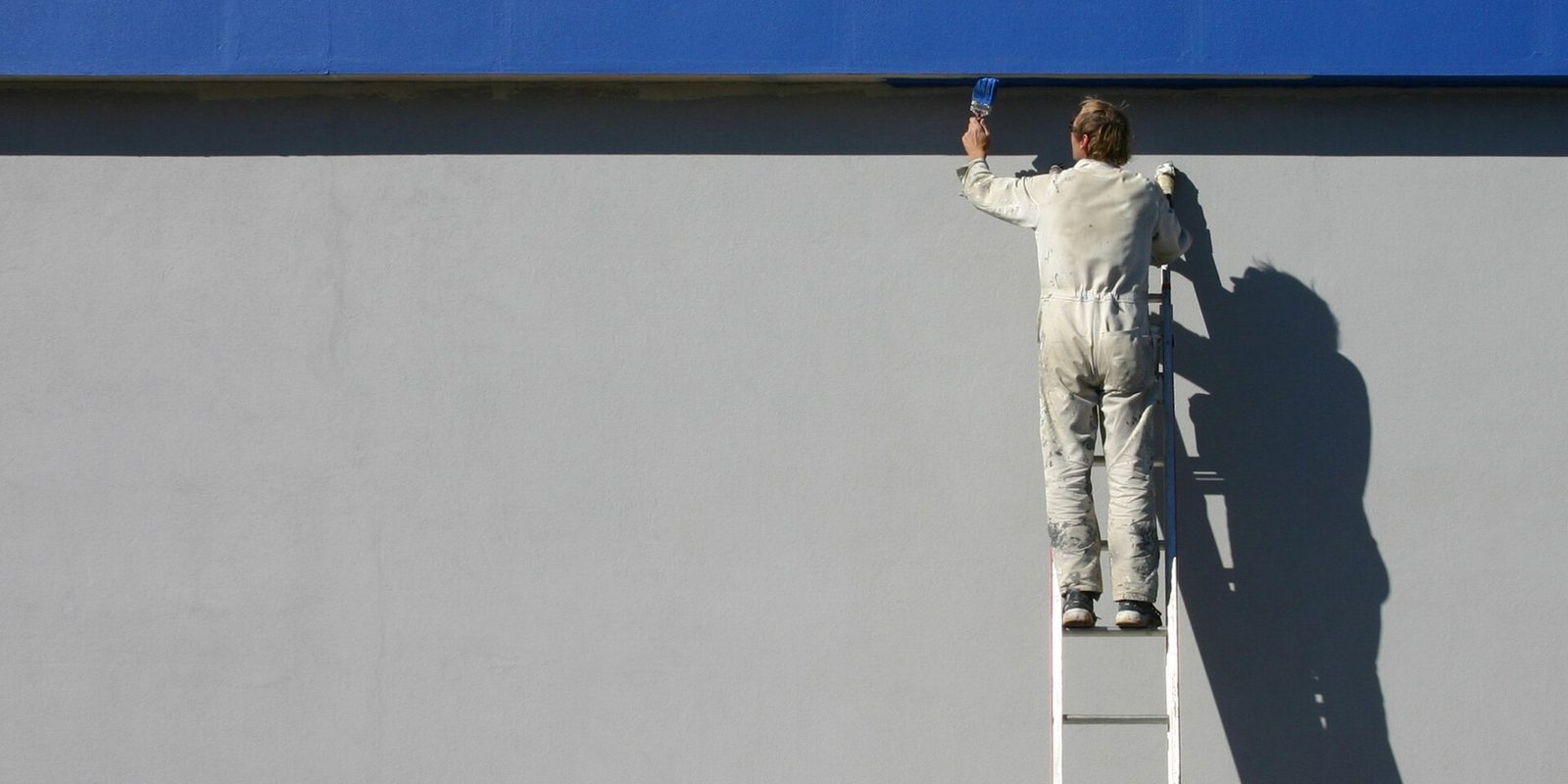
A painter sells with photographs. Not with copy, not with a services list, not with a logo. Somebody looks at your work, decides you are careful, and calls. That makes web hosting for painting contractors one problem in the end: getting pictures onto a phone screen quickly.
Disclosure: AldoMedia is an independent authorized reseller. If you buy through a link on this page we may earn a commission, at no extra cost to you. The hosting platform, the domain registry and the certificate authority are run by upstream providers whose full-time job that is. What AldoMedia does is set the products up properly, support them, and stay accountable for your account.
Most trade websites are mostly text with a few pictures. A painter's site is the reverse. The gallery is the argument, and every other page is there to hold a phone number next to it.
That inverts where the risk sits. On a plumber's site nothing on the page is heavy enough to break anything. On yours, one afternoon of uploading finished-job photographs straight off a phone can put sixty full-resolution files on a single page. Each one is several megabytes. The page is now the size of a small application, and on a phone on a cellular signal in somebody's driveway, it takes the better part of a minute to draw.
Nobody waits. They go back to the results page and call the next painter, and you never find out it happened, because a visitor who leaves before anything loads barely registers anywhere you would look.
The failure is silent. There is no error, no downtime, no notification. The site is technically working perfectly and delivering nothing.
The instinct when someone tells you the site is slow is to blame the hosting and buy a bigger plan. That fixes nothing here. A bigger plan does not make a 6MB photograph travel down a phone connection any faster. The file is the problem, and the file is the only thing that can be fixed.

Send us the address of your painting site and we will load the gallery on a phone the way a homeowner would. If the files are the problem, resizing fixes it and no plan change is needed.
If you take one thing from this page, take this. A photograph off a modern phone is around 4000 pixels across. The space it will occupy on your website is perhaps 1200 pixels across, and on a phone screen closer to 800. Every pixel beyond that is downloaded, thrown away, and paid for in loading time.
Resizing before you upload routinely cuts a photograph to a small fraction of its original weight with no visible difference at all. Not a slightly worse picture. The same picture, because the extra detail was never going to be displayed.
Do not fiddle with camera settings on site. You want the full-size original kept somewhere, both because you may want to print it and because you cannot get detail back once it is gone.
Your phone can do this when you share a photo, and every desktop has a tool that will do a folder at a time. Sixteen hundred is generous. It covers a large laptop screen with room spare.
Around 75 to 80 percent is the range where a photograph stays clean and the file gets dramatically smaller. Above 90 you are storing detail no eye will see on a screen.
This is where it goes wrong. Somebody in a hurry drags the originals in and the whole habit is undone in ten minutes.
Turn wi-fi off and load your own gallery outdoors. That is the actual test, and it takes thirty seconds.
Do this and a gallery of fifty jobs is smaller than most homepages. It will run comfortably on shared hosting, and you will never have a conversation about needing a bigger plan again.
Two things worth knowing about how the page shows the images. Ask whoever built the site whether it uses lazy loading, which means images further down the page only download when the visitor scrolls near them. And ask whether the gallery makes its own smaller thumbnail versions, because a grid of twelve thumbnails should not be twelve full-size photographs shrunk by the browser. Both are settings, not purchases.
A single photograph of a finished room is pleasant and proves nothing. Anyone can photograph a nice room. A pair, the same angle before and after, proves the part of the job you actually get paid for: preparation, patching, cutting in, the crawl space nobody wanted to touch.
It is also the only format that makes a customer understand price. A homeowner looking at a peeling porch column next to the same column finished stops asking why it costs what it costs.
On the website, keep each pair together as one item with a line of text under it. Two sentences about what the job involved is enough, and that text is also the only part of a gallery a search engine can read. A page of images with no words on it is invisible to search, which is why galleries so often get less traffic than the thinnest text page on the same site.
Somebody looking for an interior painter and somebody looking for their house painted outside are not the same customer, do not search the same words, and are usually not even in the same season. Putting both into one gallery called Our Work asks each of them to scroll past the other.
Split them. Two pages, each with its own heading and its own handful of sentences, each linked from the menu in plain language. This is not a hosting decision and it costs nothing, but it does more for the phone ringing than any plan upgrade will.
Do not build a separate page for every town you serve with the same paragraphs and the place name swapped. Search engines are good at spotting that, and one honest page about the areas you cover works better.
AldoMedia can resize your job photographs, turn on lazy loading and thumbnails, and split interior from exterior so each customer lands on their own work. Building sites for Western New York trades since 1999.
If you do both, they are effectively two businesses sharing a truck. A property manager comparing bids wants to see occupied buildings, stairwells, unit turns, and evidence you can work around tenants. A homeowner wants to see a house that looks like theirs.
Showing each of them the other's photographs makes you look like a generalist to both. Keep two galleries, and let the menu send people to the right one immediately.
The commercial side usually needs one thing the residential side does not: something to attach to a bid. Insurance certificates, a capabilities sheet, a reference list. Those are ordinary PDF downloads and they weigh almost nothing next to your photographs, so they change nothing about your hosting. What they do change is who else can find them, so keep anything with a client name or a rate on it out of the public folder.
If you are wondering what the whole arrangement runs to once you count the domain, the plan and the email, the honest breakdown is on what a website costs to run.
Plenty of painters work almost entirely as a sub for two or three builders. If that is you, most of this page does not apply to you, and it is worth saying so plainly rather than selling you a gallery you will never fill.
Your work is won on the phone, by people who already know what your finishes look like because they walked the job. The website exists so a general contractor's office can confirm you are real, find your insurance details, and get a number to call. That is a much smaller thing.
Where spending more is genuinely justified: you run a crew large enough that the site carries recruitment and applications, you publish hundreds of jobs and want them organized and searchable, or you take deposits online. Those are real reasons. Wanting the gallery to feel impressive is not one, and the entry plan will hold more photographs than you will ever get around to uploading.
AldoMedia has built and looked after websites for Western New York businesses since 1999, and a painter's gallery that nobody resized is familiar work. We are an independent authorized reseller rather than the operator of the underlying platform, which means we have no reason to move you up a tier that would not change anything. If the plan you are on is already right, we will tell you that.
If you are moving an existing site somewhere else, the order of operations that keeps your email working through the change is on the website migration page. Call 716-771-2536 or tell us what your site runs on.
The count is not the problem, the weight is. Thirty resized photographs load faster than five straight off a phone. Resize to around 1600 pixels wide and save as JPEG before uploading, and a gallery of fifty jobs will be lighter than most homepages. Also ask whoever built the site to turn on lazy loading so images below the fold only download when somebody scrolls to them.
Almost certainly not. A bigger plan does not make a 6MB photograph travel down a cellular connection any faster. Load your own gallery outdoors with wi-fi turned off and watch what happens. If it crawls, the files are too big, and resizing them fixes it for nothing. Buying a larger plan first is the most common wasted spend in this trade.
No. They are two different customers searching two different things, often in different seasons. Give each one its own page with its own heading and a few sentences of real text. It costs nothing, it stops each visitor scrolling past work that is not relevant to them, and the words give search engines something to read, which a pure image gallery does not.
Ask, and ask before you shoot the before photograph rather than after the job. An exterior is usually straightforward. Interiors full of somebody's furniture and family photographs are more sensitive, and a homeowner who says no once is far better than one who finds their living room on your site. For commercial work, check the contract, because some property owners restrict it.
They move with the site, but only if somebody actually has them. Keep your own copies of the originals somewhere off the website, because the version on the site is the resized one and a host is not an archive. Have a look at website backups for how the copies should work, and make sure you know who holds the login to the site itself.
The pair matters far more than the effect. A slider is a script that has to load before anything works, and on a slow phone it can leave a blank box where your best evidence should be. Two images next to each other, clearly labeled, do the same job with nothing to break. If you want the slider, keep it to a handful of your strongest jobs rather than the whole gallery.
The plan type a painter's site belongs on, and what moving up a tier actually changes.
Read about shared hostingDomain, hosting, email and the rest, added up honestly with no line items you do not need.
See the real running costsWhere your job photographs should actually live, and why the host's copy is not an archive.
Read about backupsEvery trade we cover is listed on hosting by industry.
Hero image: Lukeroberts, CC BY-SA 2.5, via Wikimedia Commons. Cropped.
Tell us what your painting site runs on and we will tell you whether the plan is the problem or the photographs are. Usually it is the photographs, and that costs nothing to fix.
Get Your Web Hosting Plan Get help choosing
Or call 716-771-2536 and tell us what the site has to do. If the plan you are already on is the right one, we will say so.
