

Business Email
Named mailboxes, shared intake addresses and why firm mail should not sit on a free account.
Read about business email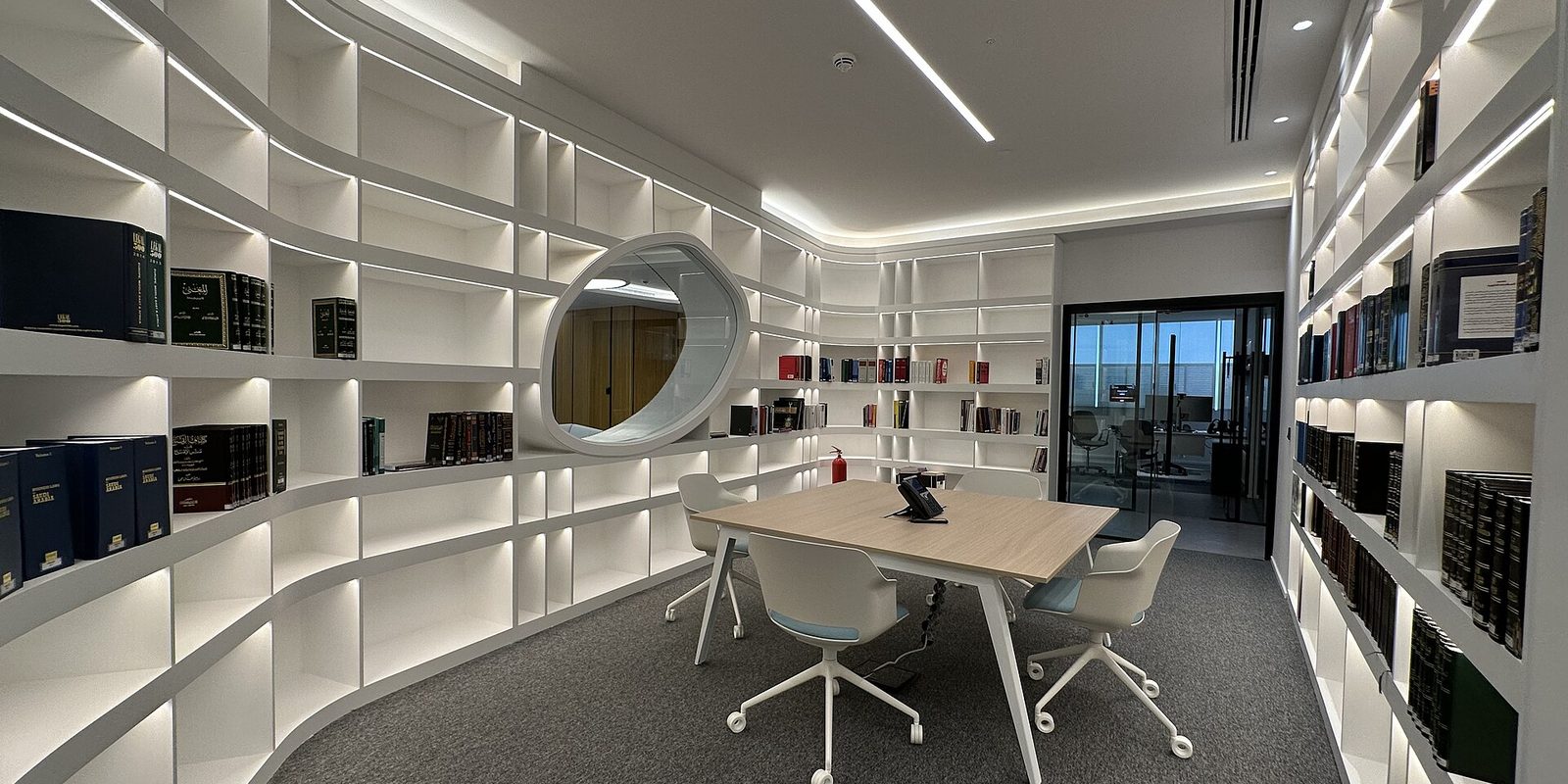
For most firms the website is the least interesting part of the account. The exposure sits behind it, in the mailboxes. Who can read intake, what happens to an associate's mail after they leave, and where privileged material ends up: web hosting for law firms is mostly those questions, whether anyone treats them that way or not.
Disclosure: AldoMedia is an independent authorized reseller. If you buy through a link on this page we may earn a commission, at no extra cost to you. The hosting platform, the domain registry and the certificate authority are run by upstream providers whose full-time job that is. What AldoMedia does is set the products up properly, support them, and stay accountable for your account.
A firm website is a handful of pages that change a few times a year. Practice areas, attorney bios, a contact form, maybe some articles. As a thing to put on a server it is unremarkable, and the hosting side of it is close to solved the day you set it up.
The mailboxes are different. They carry intake, they carry correspondence, and in a lot of firms they carry documents that should never have been sent by email in the first place. That is where the real decisions live, and it is why we push firms to think about business email first and the web plan second.
Structure it once, deliberately. A named mailbox for every attorney and every staff member. Shared addresses for the functions rather than the people, so intake@ and billing@ exist independently of whoever happens to be handling them this year. Forwarding used sparingly and written down when it is used.
The pattern that causes the most trouble is a personal free address quietly doing firm work. It is outside your control, it does not stop when the person does, and it makes any later question about who saw what unanswerable.

If your firm runs on Outlook and calendars people actually share, the mail is likely to belong on Microsoft 365 rather than a mailbox bundled with the web plan. Both are ordinary options. The important thing is that one of them is a decision instead of a leftover.
Send us how the firm's mailboxes are set up now, including anything still running through a personal free address. We will lay out named mailboxes and shared intake addresses, or tell you yours are already fine.
Almost every firm has an address that more than one person reads. It is the right answer, because a new matter arriving at a single attorney's mailbox on the week they are on trial is how inquiries get lost. But shared access has to be an actual list, not a habit.
The failure looks like this. Intake goes to a shared address. Four people can read it. One of them left in March. Nobody can say for certain whether their access was ever removed, because it was set up by whoever set up the mail and never written down.
None of this is exotic. It takes an afternoon once and it is the difference between answering a question about access with a list and answering it with a guess.
Offboarding at a firm is not the same job as offboarding at a landscaping company. The departing mailbox holds client correspondence, and the firm has an obligation to keep that material available and controlled. Deleting the account on the last day is the wrong instinct. So is leaving it live with the old password on somebody's phone.
Handle it as a sequence. Do it in this order and you never have a window where mail is either unreachable or readable by the wrong person.
Not after. The point is to end personal access at a moment you choose. If the mailbox is on a phone or a home machine, changing the password is what actually removes it.
Convert it to something only a partner or the administrator can open. Client correspondence in there may need to be produced later, and it belongs to the firm.
Clients and opposing counsel will write to that address for years. Route it to the attorney taking over the matters, or to intake. A bounce is a missed deadline waiting to happen.
This is the step that gets skipped, because shared access is invisible from the departing account. Work from your list. If there is no list, this is the moment you find out.
A bio for someone who left in March, still live in September, is a small thing that reads badly to a prospective client and occasionally to a regulator. Pull the bio, and check the practice area pages that name them.
One line per departure in a file the administrator keeps. In two years the only question anyone will ask is whether access was removed, and this is the only thing that answers it.
Bar and professional conduct expectations around client files and confidentiality vary by state and change over time. Treat the sequence above as the technical hygiene, and check the obligations themselves with your own ethics counsel.
A firm of any size has two kinds of page that grow on their own. Practice area pages, and attorney bios. Both are worth a moment of planning because both become maintenance.
On practice areas, the mistake is one thin page per keyword. Twelve near-identical pages about family law in slightly different words compete with each other and convince nobody. Fewer, longer pages that actually explain how the firm handles a matter do better with search engines and considerably better with the person reading them.
On bios, the mistake is structural. If a bio can only be edited by whoever built the site, it will be wrong. Admissions change, an attorney makes partner, somebody leaves. Bios need to be editable in-house by a person at the firm, in minutes, without a support ticket.
This is also the point where a firm site starts to justify a content management system, usually WordPress. That brings its own upkeep, and what a WordPress plan does and does not arrange for you is covered on the WordPress hosting page.
We can write down who is on every shared mailbox, put the offboarding sequence in order for your administrator, and handle the password, redirect and bio removal the week an attorney leaves.
If you practice alone, most of this page is aimed past you.
A solo practitioner has one mailbox. There is no shared intake address, no offboarding, no question about who else can read the mail, because the answer is you. The concerns are genuinely different: keeping firm mail separate from personal mail, making sure the address survives a change of website, and not losing the domain. Start with hosting for attorneys, which is written for a single practitioner or a small practice. This page is about what changes when several people share the same mail.
Where spending more is honest: you have staff turnover and need individual permissions rather than shared logins, you are running a site large enough to need a proper content system, or you are moving mail off a setup nobody at the firm understands. Headcount alone does not do it. A twelve attorney firm with a static site is still a small hosting problem.
Two things take firms offline more often than anything on this page, and neither is dramatic.
The first is a domain expiring. Nobody renews it because the renewal notice goes to a former administrator's address, and the firm loses its website and every mailbox on the same morning. The fix is boring and permanent: renewals on auto, the contact address a shared one that survives departures, and a look at domain expiration once so you know what the warning signs look like.
The second is backups. A firm site is small, and small sites get restored from nothing more than once. Know where your backups are, how far back they go, and who can restore one. Then make sure the answer does not depend on a single person's memory.
Also worth doing once: put a certificate on the site so the contact form is not submitting over an open connection, which the SSL page explains, and confirm the form actually delivers. Test it from an outside address twice a year. A quiet form is indistinguishable from a quiet month.
AldoMedia has built and looked after websites for Western New York businesses since 1999. We are an independent authorized reseller rather than the operator of the underlying platform, and firm work usually starts with the mail rather than the site.
If your mail is somewhere nobody at the firm chose, the order of operations that moves it without losing anything in flight is on the email migration page. Call 716-771-2536 or tell us how your firm's mail is set up now, and we will tell you what needs changing and what does not.
A shared address, in almost every case. An inquiry that lands in one attorney's mailbox during a trial week is how new matters get lost. What matters is that access to the shared address is individual permissions rather than a shared password, and that you can name everyone on it. Shared credentials cannot be revoked for one person, which is exactly what you need to do when somebody leaves.
Keep it, do not delete it. Change the password before the last day ends so personal access stops at a moment you choose, convert the mailbox to something only a partner or administrator can open, and redirect the address to whoever is taking over the matters. Then remove them from every shared mailbox, which is the step that gets forgotten. Your own ethics counsel should confirm what your state expects around retaining client correspondence.
No, and it comes up more than you would think. Hosting file space is web space, reachable by anything that guesses the address, and it is not built to be a document system. Client material belongs in whatever document or practice management system the firm uses, with access controls and a record of who opened what. If a client needs to send you something, a secure portal is the tool, not an upload folder on the site.
One named mailbox per attorney and per staff member, plus a small number of function addresses such as intake@ and billing@ that belong to the role rather than the person. Resist creating extra addresses for name variations, because an address nobody checks is worse than no address. The function addresses are the ones that save you later, since they keep working when the person handling them changes.
The mailbox structure is not, because the reason for it is turnover and shared access rather than size. The rest largely is. A two attorney site is bios, practice areas and a contact form, and an entry shared plan runs that comfortably. If you practice alone, read hosting for attorneys instead, which covers the single mailbox case properly.
Both, with your own site as the real one. People search for attorneys by name, and the page they land on should be yours rather than a directory profile you do not control. Directories are useful listings and poor homes. Keep bar admissions and practice areas current on your own pages, and make sure somebody at the firm can edit a bio in minutes without opening a support ticket.
Named mailboxes, shared intake addresses and why firm mail should not sit on a free account.
Read about business emailMoving firm mail to a setup you control without losing anything in flight.
How an email move worksWhen Outlook and shared calendars mean the mail belongs here rather than with the web plan.
Read about Microsoft 365Every trade we cover is listed on hosting by industry.
Hero image: Aklaklakl, CC BY-SA 4.0, via Wikimedia Commons. Cropped.
Tell us how your firm's mail is set up now, including who can read the intake address. We will tell you what needs changing and what is already fine.
Get Your Web Hosting Plan Get help choosing
Or call 716-771-2536 and tell us what the site has to do. If the plan you are already on is the right one, we will say so.
